
Orthodontic instruments and software for dental practices
Dentiquip Rentals supplies orthodontic instruments to verified dental practices across South Africa and makes browser-based software for your intraoral scans.
Read more
We are a small, owner-run business based in Nigel, Gauteng. You deal with us directly — there is no call centre, no minimum order, and no account manager between you and the person packing your order. Every instrument is priced as a single, all-inclusive amount, so the figure you see is the figure you pay. Delivery is a flat R250 anywhere in South Africa, and orders are dispatched within 48 hours.
Because these are professional instruments, we supply verified dental practices only. Browsing is open to anyone; pricing and ordering unlock once we have checked your practice details.
How ordering works
- Browse the catalogue freely — anyone may look.
- Register an account with your practice details, including your practice number.
- We verify your practice and approve your account, then email you.
- Once approved, you can see pricing and place orders.
Software
Our software runs in your web browser. Your scans and your patients’ names stay on your computer — nothing is uploaded to us.
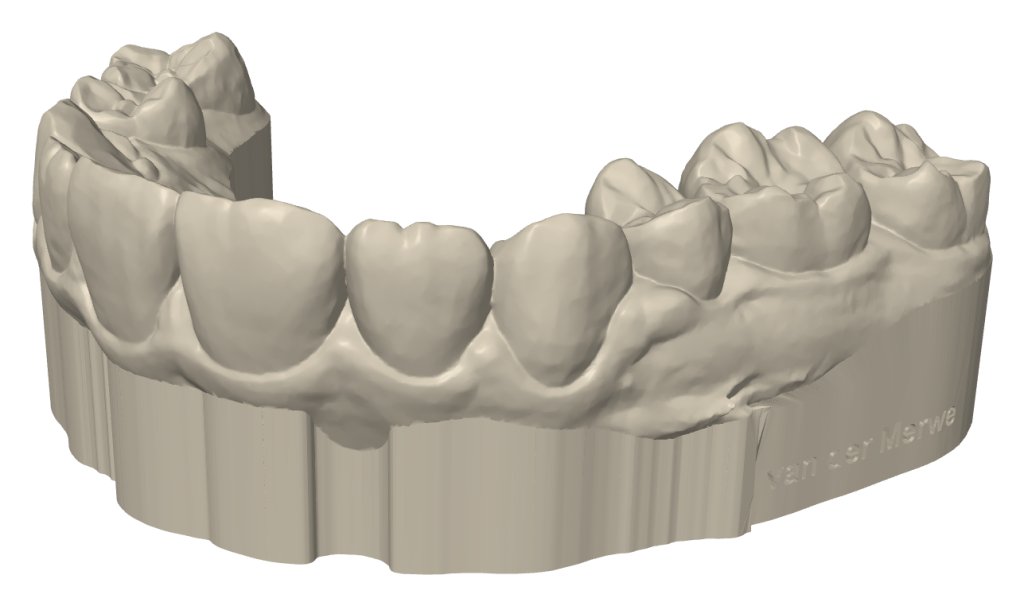
Model Prep
Turn an intraoral scan into a print-ready model for aligner thermoforming.
Read more
Drop in the upper and lower STL files from your scanner. Model Prep levels each scan on the bite, trims it along the gum line and builds a smooth base, ready for your 3D printer. You can move the trim line yourself and check it in a cross-section before you download.
Choose an open, hollow horseshoe base to save resin, or a closed base; set the base height and the wall thickness. The patient’s name is engraved into the side of the base, so models never get mixed up, and Model Prep estimates the resin each model uses and what it costs.
Preview as often as you like: you pay only when you download a model, per model with credits or unlimited with a monthly subscription. For approved dental practices.
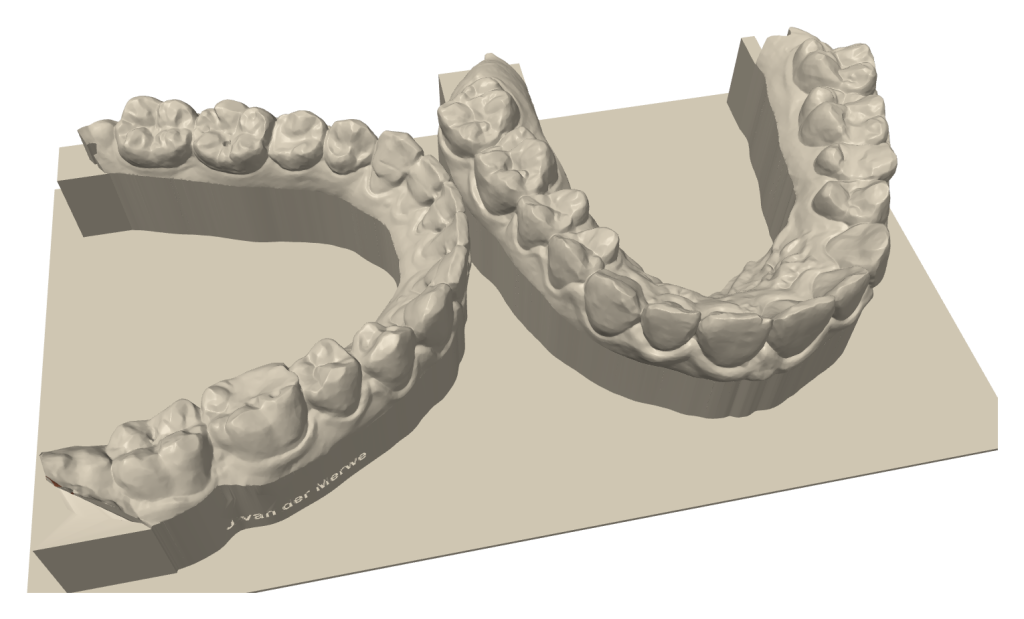
Model Print
Pack your Model Prep models onto your printer’s build plate and download the whole plate as one STL file.
Read more
Name the job, pick your printer and whether the models print flat or upright, and drop in models made by Model Prep. Model Print packs them onto the build plate with a gap between them, and shows the plate from above and in 3D, so you can move or turn a model by hand.
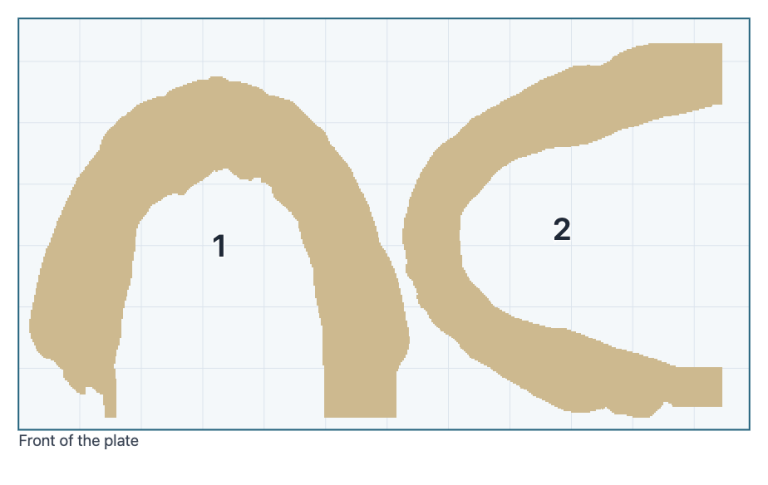
It works out the resin cost of the plate and of every model, and downloads the plate as one STL file for your printer’s software. Models that don’t fit wait on a waiting list in your browser for the next plate. Printers from Asiga, Formlabs, SprintRay, Phrozen, Elegoo, Anycubic, HeyGears and Ackuretta are built in.
Packing, the preview and the cost are free; downloading a plate is one credit, the same models again within 24 hours are free, or it is included in a subscription.
Now being tested with a small group of dentists.
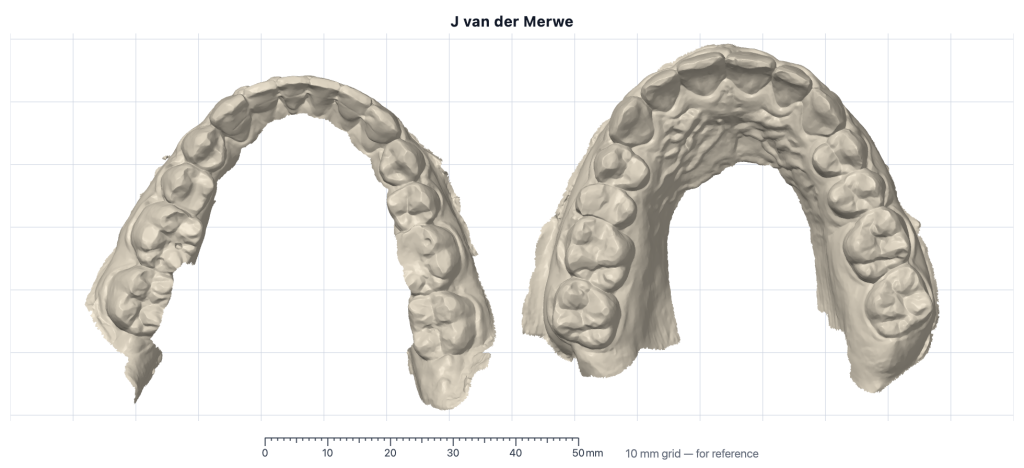
Occlusal view
Study-model pictures from your upper and lower scans, on a 10 mm grid.
Read more
Type the patient’s name, drop in the upper and lower scans, and download the occlusal view: both arches side by side on a 10 mm grid with a ruler, with the name on the picture. It is free.
For your records, the orthodontic picture set adds the five standard views of trimmed, based study models — right, frontal and left in occlusion, and the upper and lower occlusal views — each as its own picture, in a folder with the patient’s name. One credit per case, or included in a subscription.
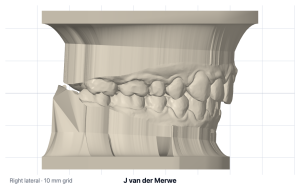
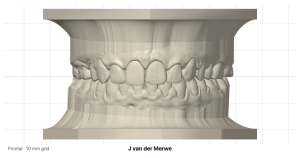
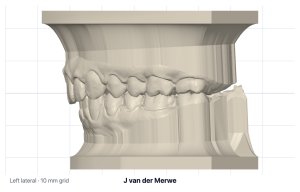
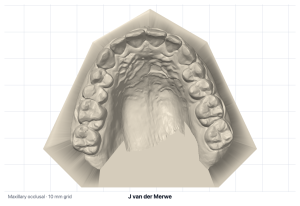
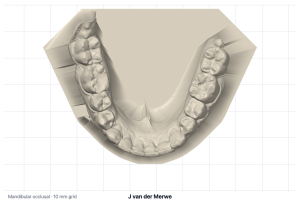
Photo Prep
Get your patients’ clinical photos ready for SmileStream: turned, levelled and cropped, in your browser.
Read more
Add one patient’s photos straight from the camera: the four face photos, the four bite photos, the two occlusal photos and the patient form. Photo Prep puts each photo in its place, turns and mirrors it the right way round, levels it and crops it, and you can adjust any picture by hand.
Type the patient’s name and download the ten pictures in one zip, named after the patient, ready for your records program. Everything happens in your browser: the photos are never uploaded to us.
Now in beta: free to use while we finish it.
Ceph tracing
Coming soon
Step-by-step guides: Help · How-to videos: Video training · What’s new